
Project-scoped bot or account path
Start with a named project so each connection has an explicit owner, purpose, and support context.
Realtime messaging architecture
Move from configuration to incoming events and delivery diagnostics with the provider context a product team needs to operate safely.
Messaging connection architecture
Make account ownership, project context, health state, and recovery visible to the customer instead of burying the integration behind an opaque setup step.
Start with a named project so each connection has an explicit owner, purpose, and support context.
Treat incoming signals as scoped integration events with an origin account and an observable delivery history.
The product workflow
Explore the original Moira surfaces for the path from a customer-controlled connection to an observable workflow, with capability and recovery context alongside it.
Connection control plane
Moira keeps connected-account health, project-scoped credentials, delivery evidence, and a safe recovery route together in the customer console.
Explore the product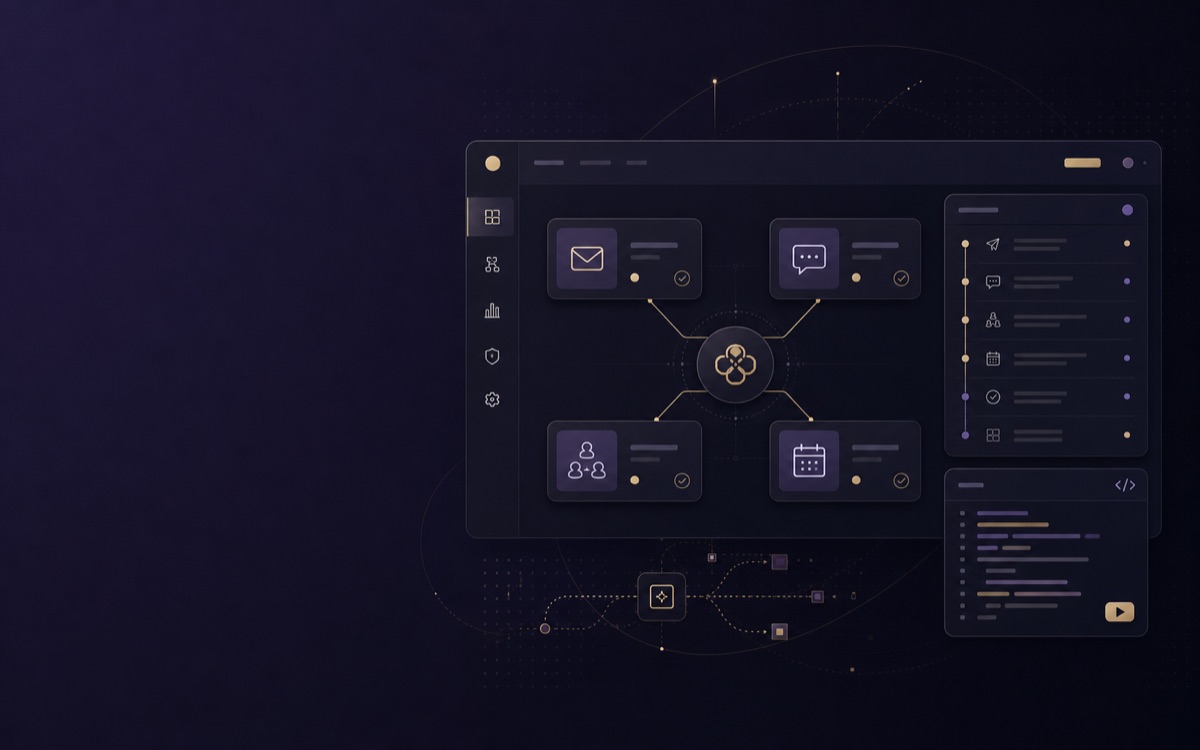
Use cases
Use the provider as part of an ATS, CRM, or outreach workflow while retaining project and capability context at every step.
MMaya ChenConnection context updated
DDaan BakkerHealth state needs review
AAmara SinghProject event observed
Keep Telegram connection context beside candidates, account health, and recruiter-owned recovery actions.
Explore use caseMMaya ChenConnection context updated
DDaan BakkerHealth state needs review
AAmara SinghProject event observed
Put Telegram activity alongside the customer record so account teams can investigate the next safe action.
Explore use caseMMaya ChenConnection context updated
DDaan BakkerHealth state needs review
AAmara SinghProject event observed
Make Telegram a visible, policy-aware stage in a controlled multi-step outreach workflow.
Explore use caseDeveloper integration
Associate each signal with a project, account, provider state, and recovery path. The result is an operable integration rather than a disconnected API response.
Read developer documentationconst event = await moira.events.verify({
projectId, provider: "telegram",
eventId: request.headers.get("x-moira-event-id"),
});
if (event.state === "attention_required") {
await queueRecoveryReview(event);
}Trust work in progress
These are current in-progress programs, not completed certifications, compliance guarantees, or a substitute for your own assessment.
Integration questions
Answers describe product boundaries and operational recovery without making provider capability promises.
A workspace member begins in the intended project context. Moira presents only the connection path and account state that the live provider registry and workspace policy permit.
No. The page describes an integration architecture. Actual availability remains subject to configured provider paths, account state, entitlement, project policy, and provider terms at the time of use.
The customer console is designed to present account health, the specific recovery route, and the relevant project context. Operators should follow that route rather than retrying a blind action.
Moira keeps provider outcomes and event references available beside the workflow so a product can distinguish requested, observed, and attention-required states.
Realtime event handling is scoped to the selected project and customer-owned connection. Moira preserves operational context without turning event streams into unbounded public data.
Event-oriented integrations should retain an identifier, delivery boundary, and retry context. Downstream systems should decide on recovery from evidence instead of replaying an uncertain operation.
Moira is progressing through a SOC 2 Type II audit and an ISO 27001 certification program, while operating a GDPR-focused privacy program. These are in-progress initiatives, not completed certifications or a guarantee of suitability for a particular use case.
Start by defining project scope, the customer-owned connection path, event contract, and recovery model. Then use the customer console and developer documentation to check live readiness.
Provider path
A useful integration does not stop at authorization. It makes the current boundary, account state, and recovery route legible inside your product.
Keep event identifiers and account context available from receipt through a downstream product decision.
Use observed event and account health state to decide whether a message or workflow needs attention.
A customer or support team sees the project boundary and the next safe action instead of a generic provider error.
Start with the right boundary
Start with a named project so each connection has an explicit owner, purpose, and support context.
Treat incoming signals as scoped integration events with an origin account and an observable delivery history.
Product workflows
Inbound events
Account state projected
evt_01Event envelope received
evt_02Delivery evidence recorded
evt_03Delivery diagnostics
Safe operation
Availability is checked at connection time.
Capability boundaries
Every category communicates its readiness state in words, not colour alone.
Build with context
Keep connection state, event evidence, and security boundaries in the implementation path from the start.
Data-handling boundaryRealtime event handling is scoped to the selected project and customer-owned connection. Moira preserves operational context without turning event streams into unbounded public data.
Architecture questions
A workspace member initiates a connection in the intended project context. Moira presents only the authorization path and capability state that the control plane permits.
The account health and capability state becomes visible in the customer console. A customer or operator can follow the specific reconnect, approval, or policy-recovery route instead of retrying a blind action.
No. This page explains the integration architecture. The live provider registry, workspace policy, and provider terms decide whether a connection or action is available at execution time.
Start with verified readiness
