
Customer-authorized connection
Begin with a named workspace and project. The account owner follows the available connection path, while Moira preserves the authorization and recovery context for the product team.
Messaging operations
Give teams a clear route from a customer-controlled connection through message lifecycle events, delivery evidence, and account recovery.
WhatsApp connection architecture
Keep authorization, account health, delivery state, and recovery in the same product story. The connection route stays customer-controlled and project-aware from the start.
Begin with a named workspace and project. The account owner follows the available connection path, while Moira preserves the authorization and recovery context for the product team.
Model the workflow around what a team needs to see: connection health, delivery evidence, incoming events, and the next safe action when state changes.
The product workflow
Explore the surfaces a connected product needs after setup: message context, group conversations, controlled workflow steps, and realtime event evidence.
Conversation operations
Connection control plane
The customer console gives teams a clear place to check a connection, inspect account health, use project-scoped credentials, and trace the next recovery action.
Explore the product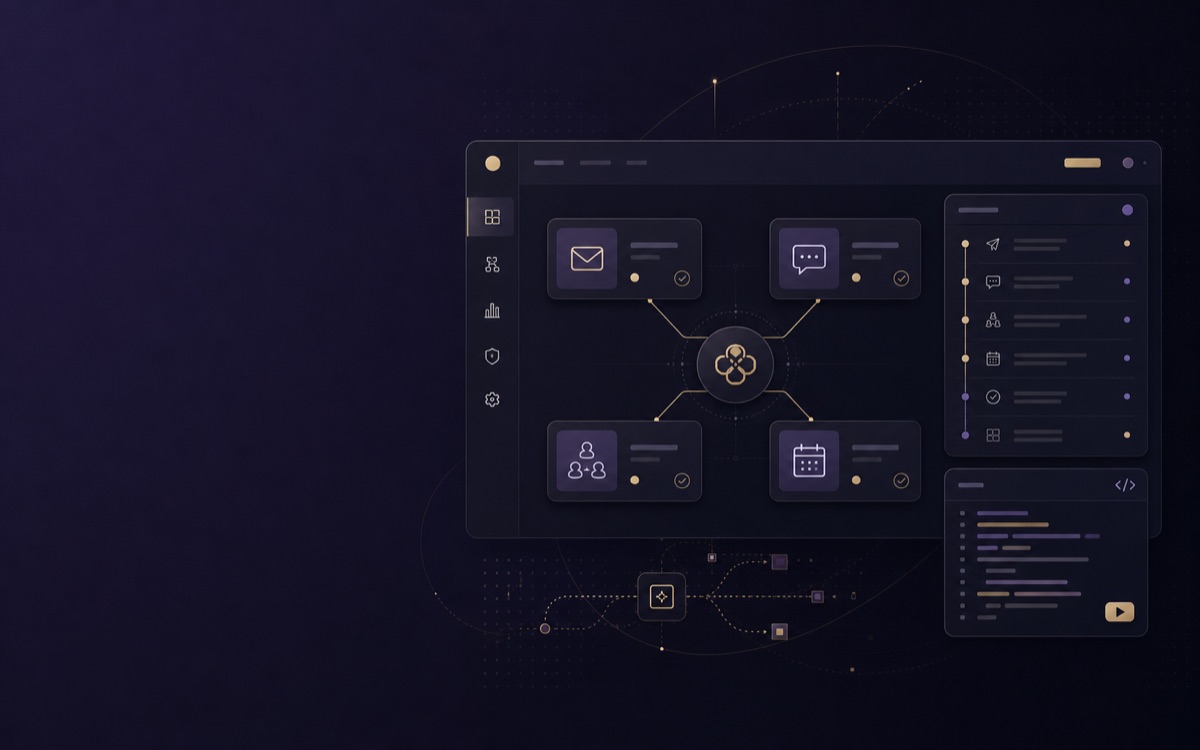
Use cases
Shape the connection around the product experience your users already know—then keep provider and project context visible underneath it.
MMaya ChenNew conversation context
DDaan BakkerFollow-up requires review
AAmara SinghAccount signal updated
Keep candidate conversations, connection health, and recruiter actions in one reviewable workflow.
Explore use caseMMaya ChenNew conversation context
DDaan BakkerFollow-up requires review
AAmara SinghAccount signal updated
Give account teams message context beside the customer record, stage, and next best action.
Explore use caseMMaya ChenNew conversation context
DDaan BakkerFollow-up requires review
AAmara SinghAccount signal updated
Make each communication step accountable to project scope, provider state, and the intended operator.
Explore use caseDeveloper integration
A practical integration has an explicit project boundary, a connection owner, an event identifier, and a recovery route. Keep those decisions in code and in the customer-facing interface.
Read developer documentationconst event = await moira.events.verify({
projectId, provider: "whatsapp",
eventId: request.headers.get("x-moira-event-id"),
});
if (event.state === "attention_required") {
await queueRecoveryReview(event);
}Trust work in progress
These are current in-progress programs, not completed certifications, compliance guarantees, or a substitute for your own assessment.
Integration questions
Answers are deliberately specific about operational boundaries, not sales promises.
A workspace member starts in the intended project context. The live provider registry determines the available connection route and the customer sees the associated account-health and recovery state in the console.
No. This page describes the product architecture. Actual availability depends on the configured provider path, account state, workspace policy, entitlement, and provider terms at the time of use.
Moira is designed to keep provider outcomes and event references visible beside the workflow. Product teams can distinguish a requested action, a reported event, and an attention-required state rather than reducing them to one generic status.
Where the selected connection and provider policy support it, group context is represented with its workspace and project boundary so teams can investigate an outcome without losing the originating account context.
Webhook-oriented integrations should preserve an event identifier, signed-delivery boundary, and retry context. Downstream systems should use those records to make a measured recovery decision rather than blindly replaying an uncertain action.
Attachment and message metadata remain scoped to the selected workspace and project. The connection surface is designed to expose the operational context needed for a workflow without presenting it as an unrestricted contact-data repository.
Moira is progressing through a SOC 2 Type II audit and an ISO 27001 certification program, while operating a GDPR-focused privacy program. These are in-progress initiatives, not completed certifications or a guarantee of suitability for a particular use case.
Start by defining project scope, the customer-owned connection route, the event contract, and a recovery model. The customer console and API documentation are the right next surfaces for a live readiness check.
Provider path
A useful integration does not stop at authorization. It makes the current boundary, account state, and recovery route legible inside your product.
Capture the progression from requested action to accepted, delivered, or attention-required state as a visible workflow.
Account ownership and project scope stay legible when a team investigates an outcome or handles a support question.
Surface signed delivery, retries, and event identifiers so a downstream workflow can make a measured decision.
Start with the right boundary
Make the account owner, project purpose, and authorization route explicit before a messaging workflow is enabled.
Carry a normalized message outcome and delivery event reference into the product instead of relying on an opaque send result.
Product workflows
Message lifecycle
Account state projected
evt_01Event envelope received
evt_02Delivery evidence recorded
evt_03Customer operations
Realtime integration
Capability boundaries
Every category communicates its readiness state in words, not colour alone.
Build with context
Keep connection state, event evidence, and security boundaries in the implementation path from the start.
Data-handling boundaryMessage and account data remain scoped to the selected workspace and project. Event records are designed for operational traceability, not an unbounded contact-data store.
Architecture questions
A workspace member initiates a connection in the intended project context. Moira presents only the authorization path and capability state that the control plane permits.
The account health and capability state becomes visible in the customer console. A customer or operator can follow the specific reconnect, approval, or policy-recovery route instead of retrying a blind action.
No. This page explains the integration architecture. The live provider registry, workspace policy, and provider terms decide whether a connection or action is available at execution time.
Start with verified readiness

